
Free Home Improvement Tools: Plan Your Next Project With Confidence
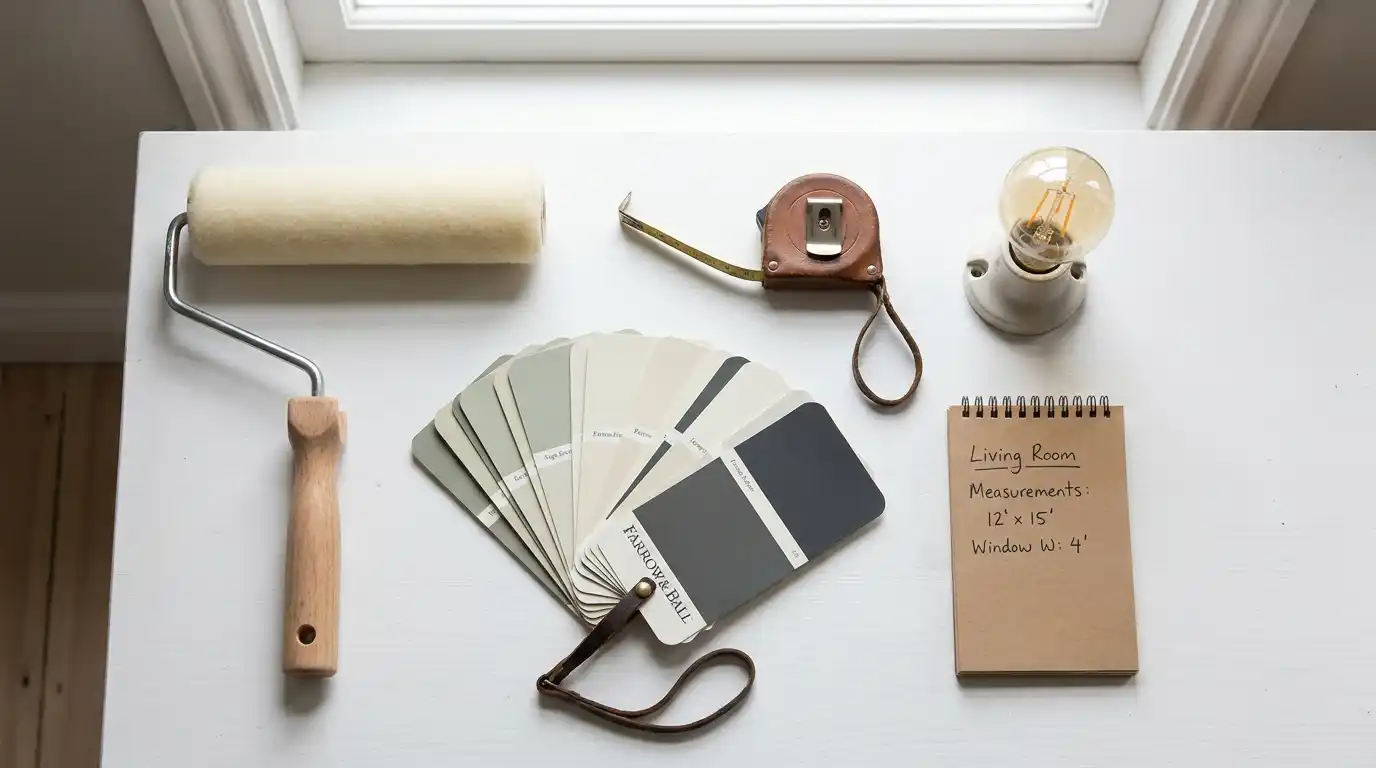
Home improvement projects have a way of going sideways in the planning stage. You pick the color, measure the room (sort of), and then stand in the hardware store doing mental arithmetic that somehow always ends in either too much or too little.
The problem isn’t effort. It’s that most people are estimating when they should be calculating.
That’s exactly what this page is for. Below you’ll find free, purpose-built calculators that take your room’s actual dimensions and give you precise, actionable numbers — how many gallons of paint to buy, how many lumens your lighting needs to hit, how many bulbs to put in your cart. No padding, no vague ranges, no “it depends.”
Two tools are live right now, with more on the way.
01. Wall Paint Calculator — Stop Buying the Wrong Amount
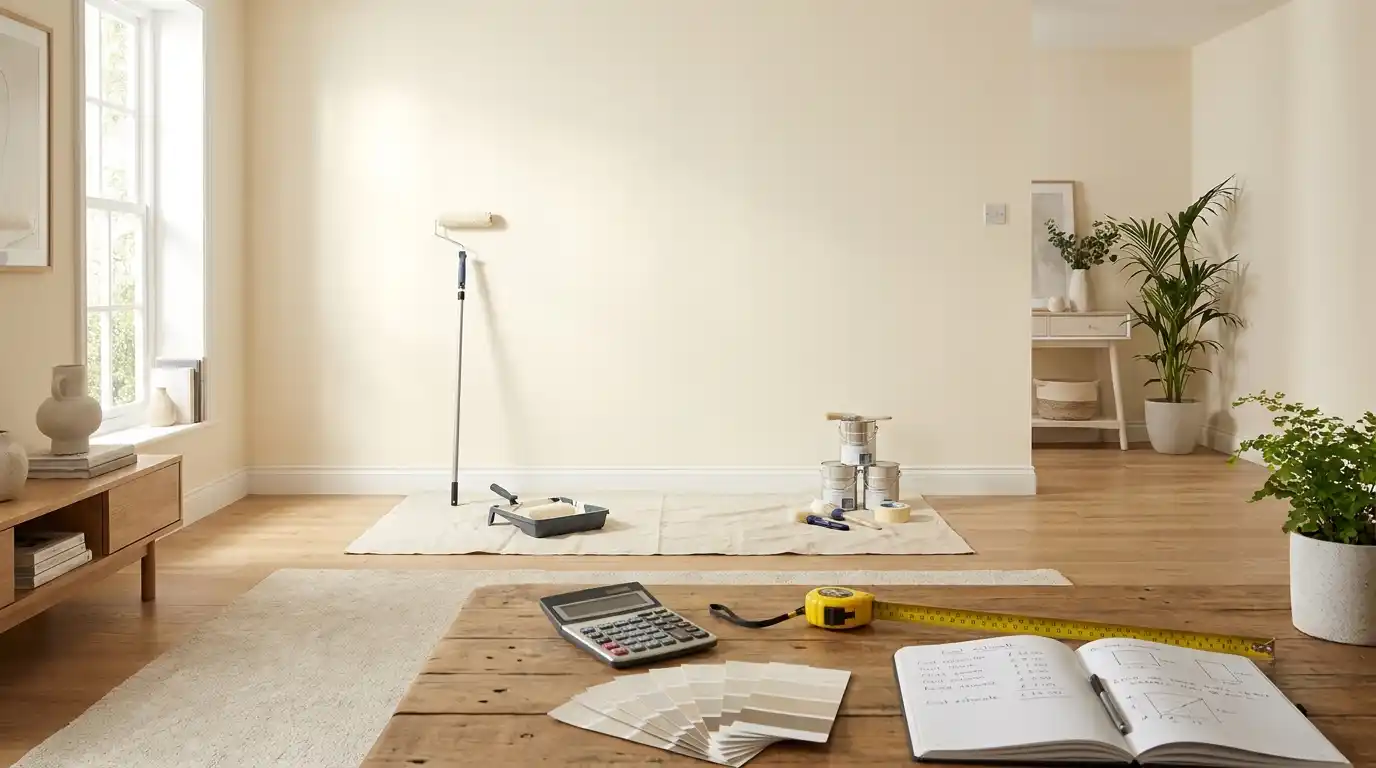
Paint is one of the most consistently over- or under-bought items in any renovation. Buy too little and you’re making a second trip with no guarantee the next batch matches your first. Buy too much and you’ve got sealed cans taking up shelf space for years.
The Wall Paint Calculator fixes this by working from your actual room dimensions. Enter the length, width, and height of your room, choose how many coats you’re applying, and tell it how many doors and windows to subtract. It handles the rest — calculating your paintable wall area and converting it into the number of gallons you need to buy.
It also accounts for the number of coats, which matters more than most people realize. A single touch-up coat and a full three-coat repaint from dark to light are completely different jobs that need completely different quantities. Getting that number right before you shop saves both money and a wasted Saturday afternoon.
→ Use the Wall Paint Calculator
02. Room Lighting Calculator — Get the Brightness Right, Room by Room
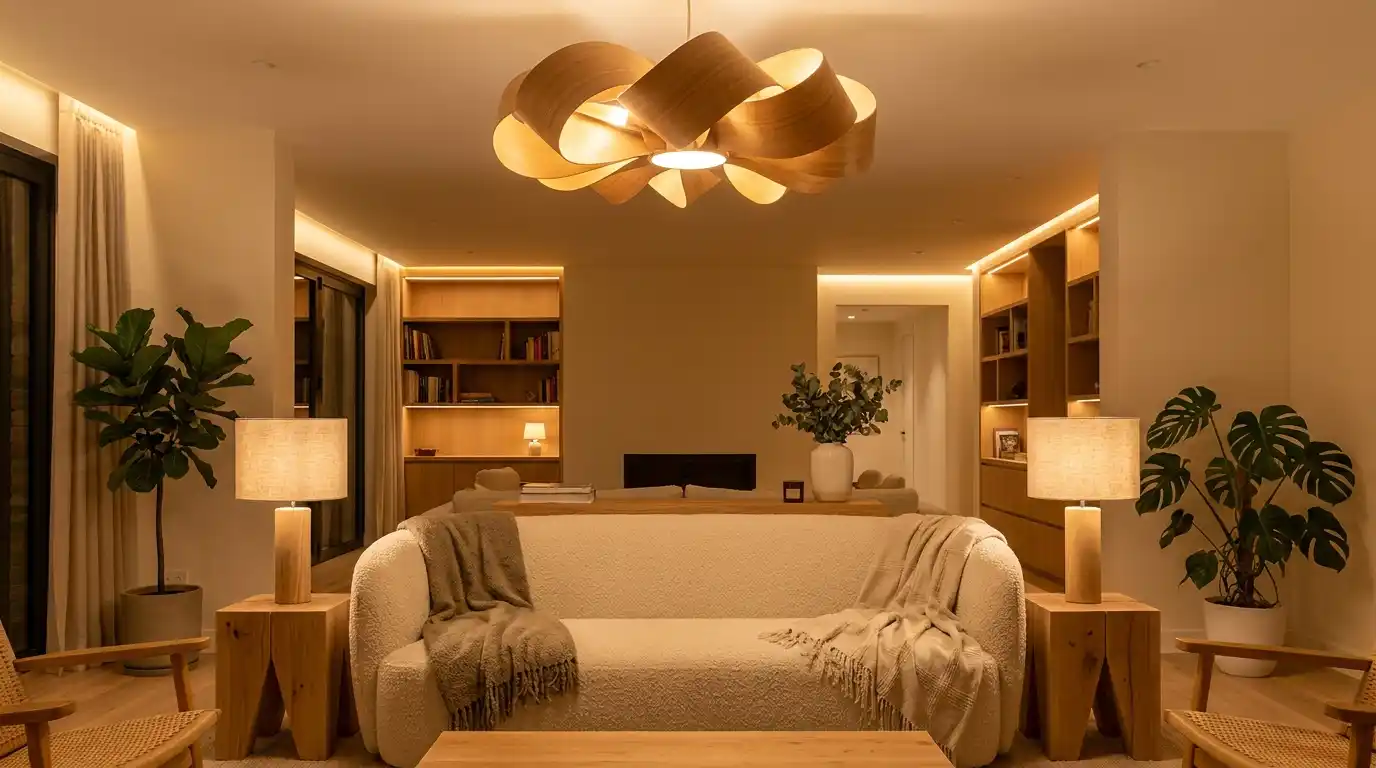
Most homes are lit by habit — same bulbs replaced with similar bulbs, same fixtures in the same spots, same vague sense that something feels slightly off but no idea what to change.
The issue is usually that different rooms need fundamentally different light levels, and most people are applying one general approach across the board. A kitchen needs two to three times more lumens per square foot than a bedroom. A bathroom vanity needs different placement entirely, not just different wattage.
The Room Lighting Calculator accounts for this. Select your room type — living room, bedroom, dining room, kitchen, or bathroom — enter your room dimensions, and it calculates the total lumens your space needs along with how many bulbs that translates to. It uses recommended lumens-per-square-foot targets for each specific room type, so the numbers it gives you are matched to how the room actually gets used.
If you’ve ever found a room too dim, too harsh, or just somehow wrong without being able to explain why, this calculator is a good place to start diagnosing it.
→ Use the Room Lighting Calculator
Why These Calculators Exist
There’s no shortage of home improvement advice online. What’s harder to find is a simple tool that takes your specific room and gives you a number you can actually use.
Most advice defaults to general guidance — “most bedrooms need around 10–20 lumens per square foot” or “a gallon of paint covers 350–400 square feet.” That’s useful context, but it still leaves you doing the math yourself, and that math is where mistakes happen.
These calculators are built to close that gap. You put in your dimensions, you get out a number. Clean, specific, ready to use.
More tools are being added — flooring, tile, wallpaper, and beyond. If there’s a project where the difference between a good estimate and a precise calculation saves you a trip back to the store, it belongs here.
Pick your project above and get your numbers in under a minute.